What device
are you using?
Pick your device so we can walk you through setup.
Don't see your device? We support many more.
Contact us on WhatsApp
Install
HotPlayer Pro
Follow these steps on your

Hot Player
Free to download on all platforms
Press Home on your remote
Then go to Apps.
Search for "Hot Player"
Find it in the search results and press Install.
Open Hot Player and find your MAC address
Open the app. You'll see a code on the screen. That's your MAC address. Copy it and paste it below.
Open the LG Content Store
From the Home screen on your LG TV.
Search for "Hot Player"
Find it and press Install.
Open Hot Player and find your MAC address
Open the app. You'll see a code on the screen. That's your MAC address. Copy it and paste it below.
Open the Google Play Store
From the Home screen on your Sony TV.
Download the "Downloader" app
Search for "Downloader" and look for the app with the orange icon. Install it.

Type in this code
Open the Downloader app and type this code in the box:
Then press Go. It will download Hot Player for you. Press Install when it asks.
Open Hot Player and find your MAC address
Open the app. You'll see a code on the screen. That's your MAC address. Copy it and paste it below.
Open Search on your Fire TV
Using your remote, go to the Home screen and select Find, then tap Search.
Download the "Downloader" app
Type "Downloader" and look for the app with the orange icon. Select it and press Download.
Type in this code
Open the Downloader app and type this code in the box:
Then press Go. It will download Hot Player for you. Press Install when it asks.
Open Hot Player and find your MAC address
Open the Hot Player app. You'll see a code on the screen. That's your MAC address. Copy it and paste it below.
Open the Google Play Store
On your Android phone, tablet, or TV box.
Download the "Downloader" app
Search for "Downloader" and look for the app with the orange icon. Install it.
Type in this code
Open the Downloader app and type this code in the box:
Then press Go. It will download Hot Player for you. Press Install when it asks.
Open Hot Player and find your MAC address
Open the app. You'll see a code on the screen. That's your MAC address. Copy it and paste it below.
Open the App Store
On your iPhone or iPad.
Search for "Hot Player" and install
It's free to download. Look for the app with the fire icon.
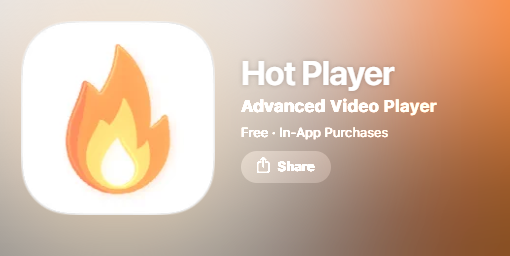
Open Hot Player and find your MAC address
Open the app. You'll see a code on the screen. That's your MAC address. Copy it and paste it below.
Go to Streaming Channels
From the Roku Home screen, select Streaming Channels.
Search for "Hot Player" and add it
Find it in the results and press Add Channel.
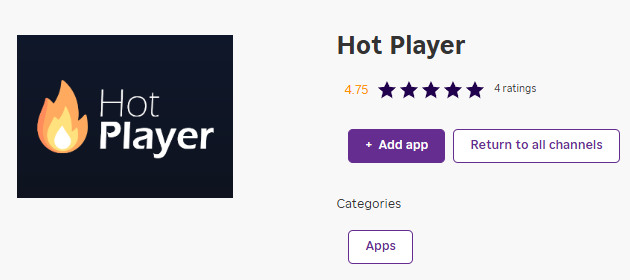
Open Hot Player and find your MAC address
Open the app. You'll see a code on the screen. That's your MAC address. Copy it and paste it below.
Open the Microsoft Store
On your Windows computer. Click the Start menu and search for "Microsoft Store".
Search for "Hot Player" and install
It's free to download. Click Get or Install.
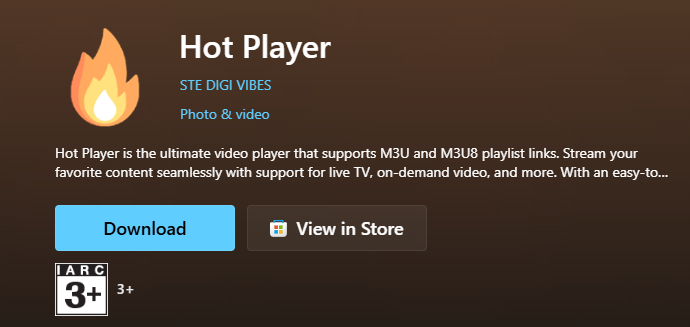
Open Hot Player and find your MAC address
Open the app. You'll see a code on the screen. That's your MAC address. Copy it and paste it below.
Having trouble installing? Chat with us on WhatsApp
Copy it from the Hot Player main screen. Looks like: 00:1A:79:XX:XX:XX
Already have
an IPTV app?
Just tell us which app you're using and we'll get you set up.
Type the name of the IPTV app you have installed.